

The best discounts this week
Every week you can find the best discounts here.

TrackChat – Inbox for Perfex CRM with AI Agents Latest Version With Unlimited Sites

News Feed Module For Perfex CRM
Work Orders for Perfex CRM
Service Management Module + Technician Mobile App for Perfex CRM v1.0
API Integration Manager Module for Perfex CRM

Data Builder for Perfex CRM
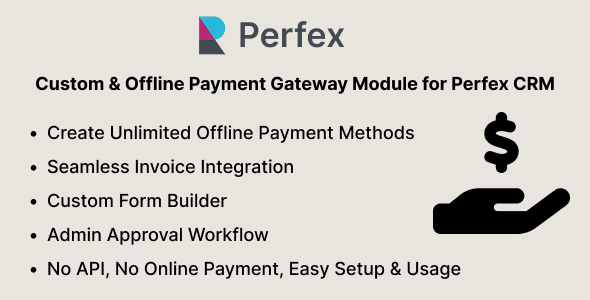
Custom & Offline Payment Gateway Module for Perfex CRM (Manual Gateway Builder)
Download Latest Version
- ⚡ Instant Access
- 🔒 Secure Files
Description
Create Your Own Payment Gateway
Tired of being limited to built-in online payment options in Perfex CRM? The Custom & Offline Payment Gateway Module lets you accept any type of offline or custom payment – bank transfer, cash, cheque, local wallet, or even a completely custom method – all inside Perfex CRM.
With a simple setup, you can create unlimited payment methods, set your own form fields, and approve or reject payments with one click. Perfect for regions without online payment.
How It Works
- Step 1: Admin creates one or more manual payment gateways in the module settings.
- Step 2: Select which payment gateways apply when creating/editing an invoice.
- Step 3: Customer views invoice → chooses a manual payment option → fills out your custom form.
- Step 4: Admin gets notified instantly → approves or rejects the request with an optional reason.
- Step 5: Customer sees the status update (Pending, Approved, Rejected) in their dashboard.
Key Features
- Create unlimited manual/offline payment methods
- Custom form builder for each method – collect exactly the details you need
- Works seamlessly with Perfex CRM invoices and notifications
- Approve or reject requests with optional feedback
- Separate tabs for Pending, Approved, and Rejected requests
- Quick installation – ready in minutes
Perfect For
- Bank transfer payments
- Cash or cheque handling
- Local or regional wallets (no API)
- Custom payment methods
Demo Access
Admin: https://perfex.codeonstring.com/admin
Email: admin@example.com | Password: 123456789
Customer: https://perfex.codeonstring.com/login
Email: customer@example.com | Password: 123456789
What’s Included
- Manual Payment Gateway Module
- Documentation
- Free lifetime updates + 6 months support
Requirements
- Perfex CRM v3.1.0 or higher
Documentation
For detailed instructions on installation and configuration, please refer to the online documentation at: https://perfex.codeonstring.com/mpg-documentation
Always get latest version module file
Related products

Google Analytics module for Perfex CRM
Inventory Management module for Perfex CRM v1.5.1
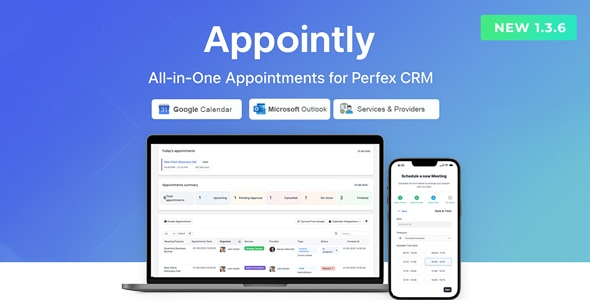
Appointly – Perfex CRM Appointments V1.3.6 Latest Version Nulled