
The best discounts this week
Every week you can find the best discounts here.

TrackChat – Inbox for Perfex CRM with AI Agents Latest Version With Unlimited Sites

News Feed Module For Perfex CRM
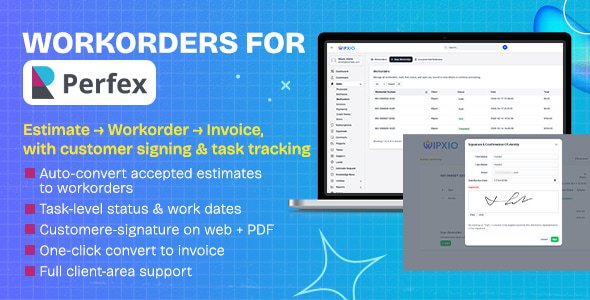
Work Orders for Perfex CRM

Service Management Module + Technician Mobile App for Perfex CRM v1.0
API Integration Manager Module for Perfex CRM
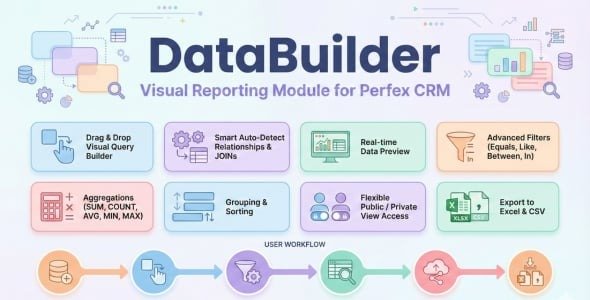
Data Builder for Perfex CRM
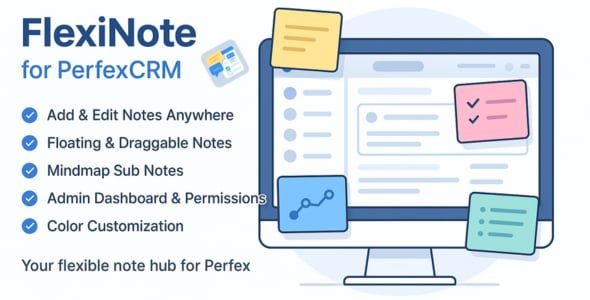
FlexiNote for Perfex CRM
Description
FlexiNote is the fastest way for staff to create floating notes anywhere inside Perfex CRM – draggable, resizable, instantly accessible on any page. Using PolyUtilities already? FlexiNote integrates seamlessly – combine both for the best Perfex productivity workflow.
FlexiNote extends note-taking capability inside Perfex CRM. Supports staff creating and managing personal notes instantly from any admin page. Notes can attach to independent pages such as Projects, Orders, Tasks, Tickets, Invoices, Payments, Modules, or Settings, giving users an overview each time they start a new session. Workflow becomes faster, more consistent, and more efficient.
Core Features
Add Note: Create or edit notes quickly on any CRM page without limit.
Floating & Draggable UI: Notes float over interface; add, edit, drag, resize, hide or show independently per page; move freely across Perfex layout.
Mindmap Sub Notes: Build unlimited hierarchical sub notes up to 8 depth levels, with visual connecting lines showing relation to parent notes.
Panel Notes: Display and search notes through three tabs — Current Page Notes, All Notes, and Admin Notes. Each note includes quick link redirecting to its attached page.
Expand/Minimize & Pin to Top: Collapse, expand, or pin important notes on top of list.
Color & Layout Customization: Assign colors, freely adjust size and position.
Context Menu: Right-click menu adds new note or sub note anywhere on page, toggle all notes on/off, or switch to focus view mode.
Language: Supports all languages integrated in Perfex CRM core: English, Bulgarian, French, German, Greek, Portuguese, Portuguese (Brazil), Russian, Spanish, Turkish, Vietnamese, Japanese, Chinese, French (Canada), Indonesian, Dutch.
Collaboration & Control
- Admin Dashboard: View, filter, and search staff note activities across CRM system.
- Permission Control: Define access for view, create, edit, delete, and manage.
- Admin Notes: Managers can create shared or task-specific notes for staff. When staff log in, admin notes appear directly on dashboard.
Documentation & Support
Installation guide and feature documentation included in attached .zip package.
For support, submit a ticket in Codecanyon comment section – team will respond as soon as possible.
Related products
Notes List Viewer Module for Perfex CRM